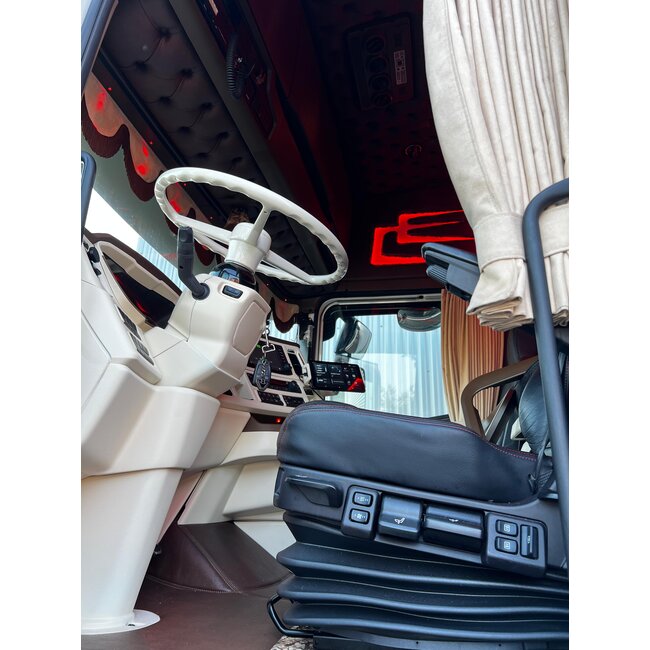
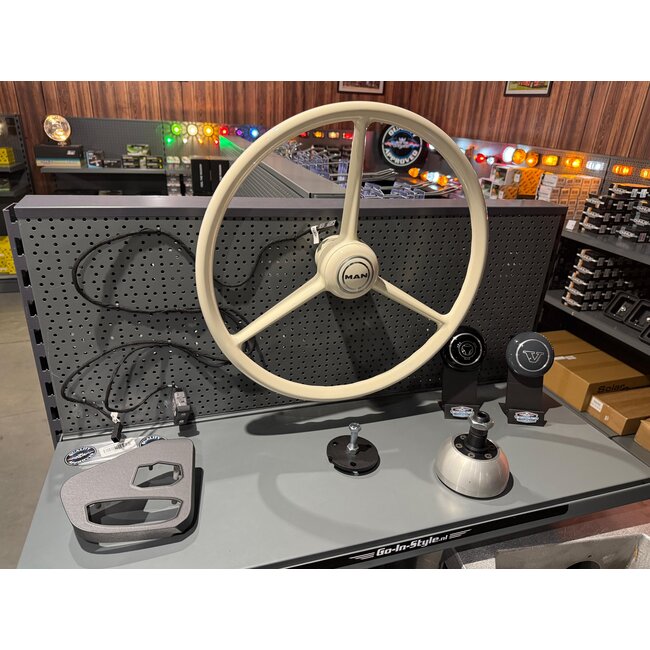
Step-by-step plan – Mounting a three-spoke handlebar with adapter cable
Required part
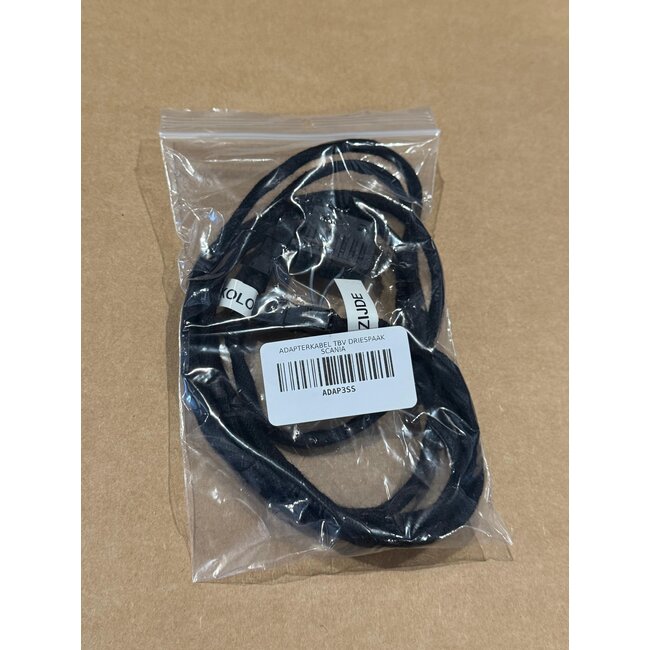
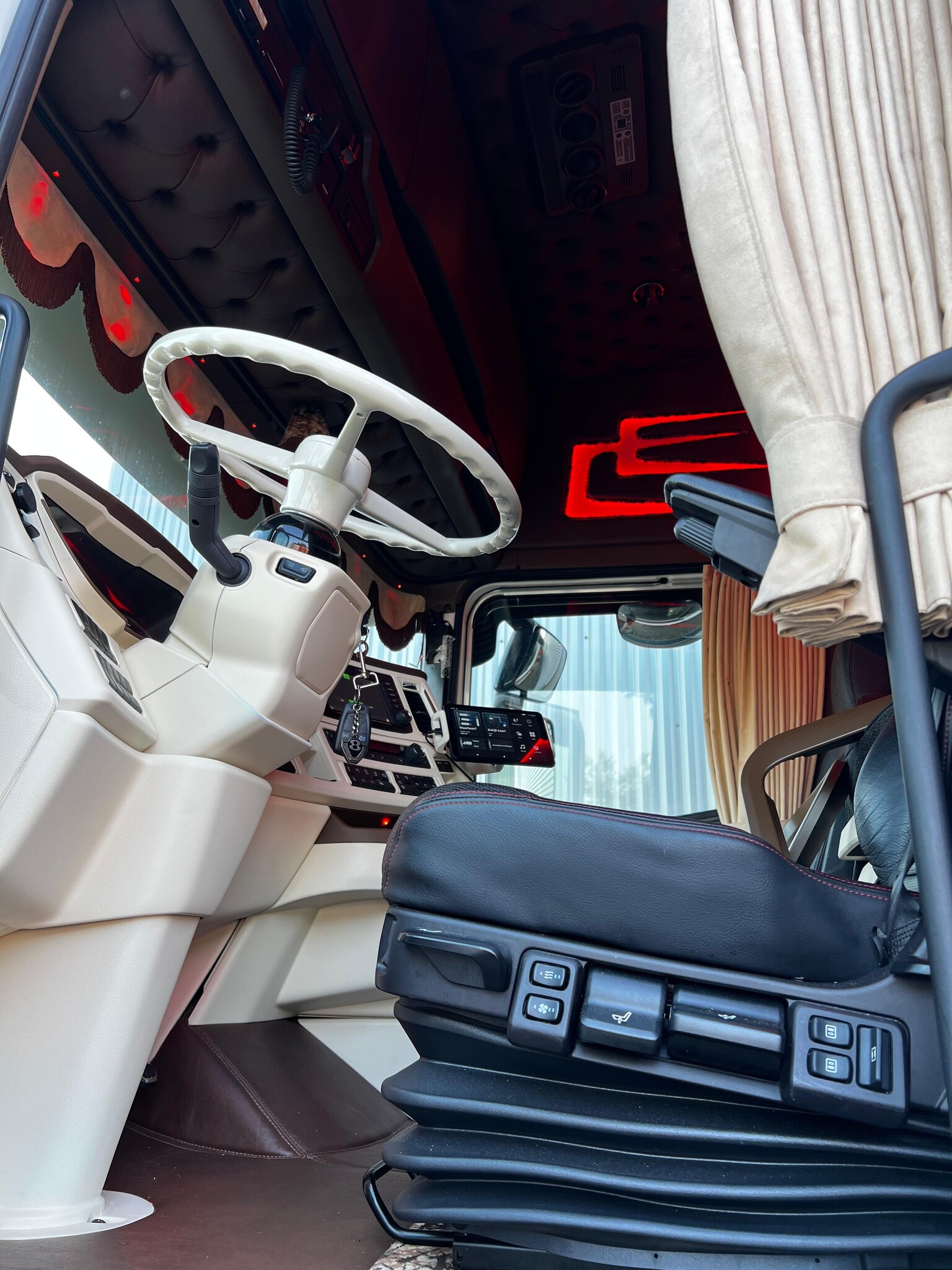
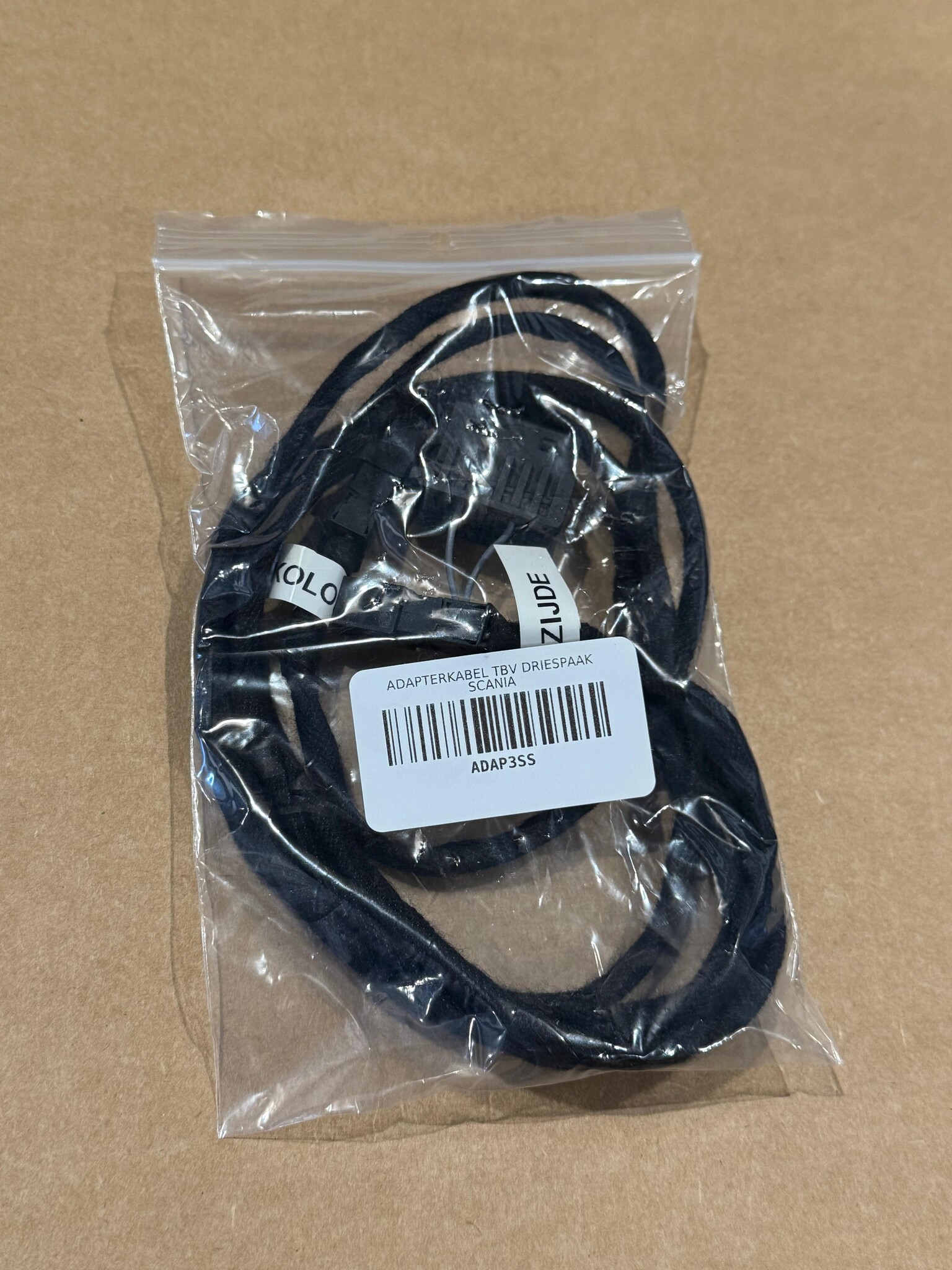
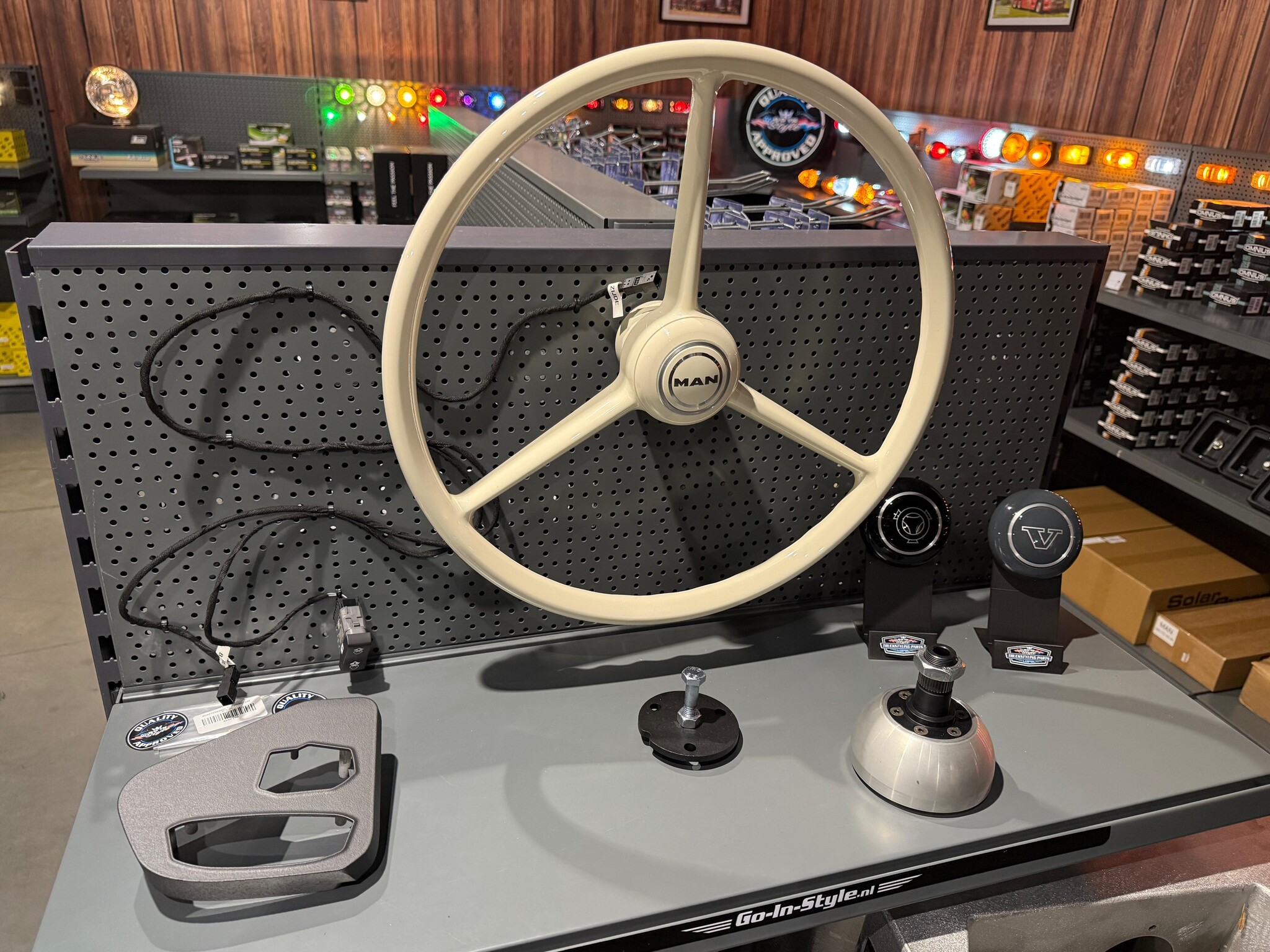
Adapter cable for the installation of a white handlebar (plug & play).
Step 1 – Remove the original steering wheel
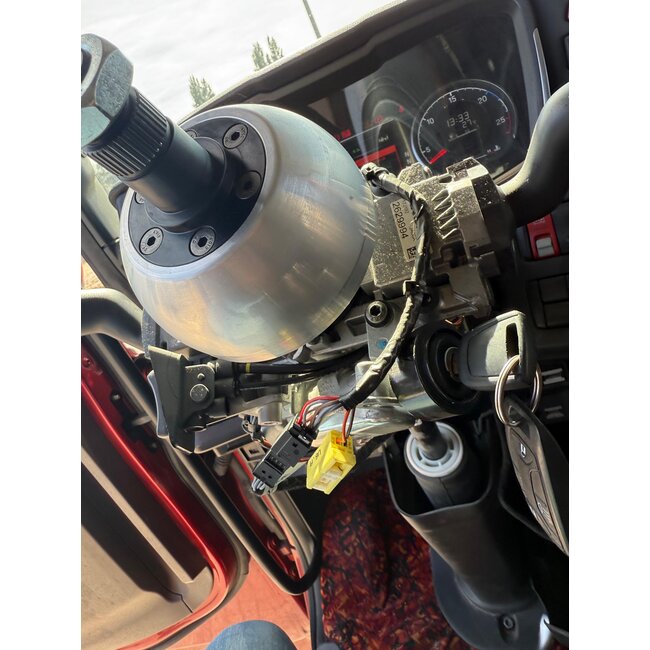
- Remove the original steering wheel from the truck.
- Next, disconnect the slip ring and the connector attached to it.
- The slip ring is no longer used and can be neatly put away.
Step 2 – Connect the adapter cable
- Click the adapter cable into the original connector.
- Please note: the cable indicates which side goes to the handlebars and which side goes to the control buttons .
- Connect the cable correctly according to these markings.
Step 3 – Run the cable to the center cabinet
- Route the cable towards the center cabinet where the steering wheel buttons are mounted.
- Simply click the connector into the control unit .
Step 4 – Connect the extra connector (horn)
- The adapter cable has an extra connector for the horn switch .
- You can click these directly into the dashboard .
- To do this, use a spring-loaded switch : click it on, and the horn will immediately work as it should.
Step 5 – Check airbag settings (if applicable)
- If your vehicle has an airbag , it must be deactivated via the software .
- If you do not do this, the airbag fault will remain active .
Finished!
Installation is simple, quick and completely plug & play .
- No cutting of original wiring
- Everything remains original
- Easy to rebuild if you ever want to reinstall the stock handlebars